Record doctor appointments on your iPhone and keep every word
Every instruction, remembered.
You walk out of the exam room and half of it is already gone. Which pill with food, which one at night, what the follow-up was for. If you record doctor appointments with Recordd, you can go back and hear exactly what was said, read it as text, and pass it on to the people who help you.
Ask your doctor before you press record. Most are used to it, and telling them why usually helps. In many places you need everyone’s consent to record, so ask first. Recordd keeps the conversation; the medical decisions stay with you and your doctor.
40 minutes free, forever · every feature included · try Pro free, cancel anytime
What patients and caregivers record
The moments worth keeping.
The appointment where a lot was said
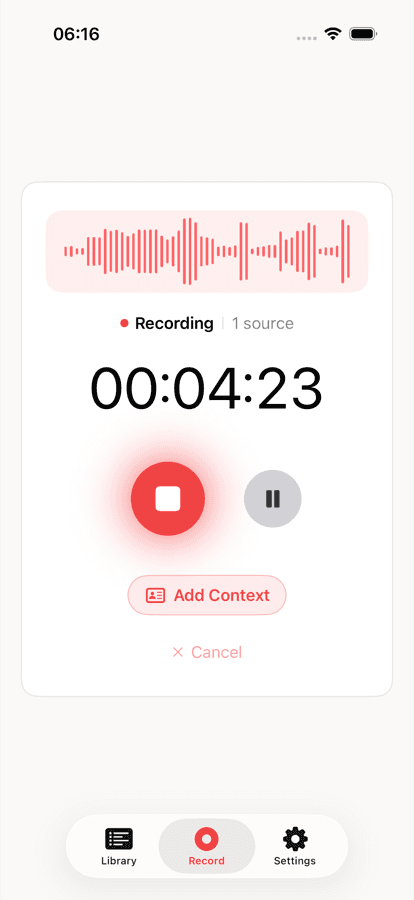
Tap record, lock your phone, and put it away. Recordd keeps recording in your pocket. Afterwards, tap Process and read the transcript at your own pace, or search it for the name of a medication.
The parent you look after from another city
Your mother records her own visit on her phone. She exports the transcript as plain text and sends it to you, so you read what the doctor actually said rather than what she remembers of it.
The follow-up call from the kitchen
Two weeks later you cannot recall whether the doctor said to stop the drops or keep going. Open the recording, ask it, and jump to the exact moment. No guessing, no second call to the front desk.
How Recordd fits patients and caregivers
Built for how you actually use it.
Records with the phone locked
Recording continues with the screen off or the app in the background, with pause and resume when you need it. If a cellular call comes in, the recording pauses and resumes when the call ends.
Summary and next steps
After you tap Process, Recordd writes a title, a summary, and a list of action items from the transcript, so the next appointment, the test, and the prescription refill are in one place.
Share as text
Export the transcript as Markdown or plain text with speaker labels, or copy it, and send it to a family member or caregiver in whatever app you already use.
Private by default
Your recordings are encrypted in transit and at rest and are never used to train AI. Location is off unless you turn it on. Delete any recording, or your whole account, whenever you like.
The voice recorder app on iPhone and Mac
This is the whole thing,
actually running.
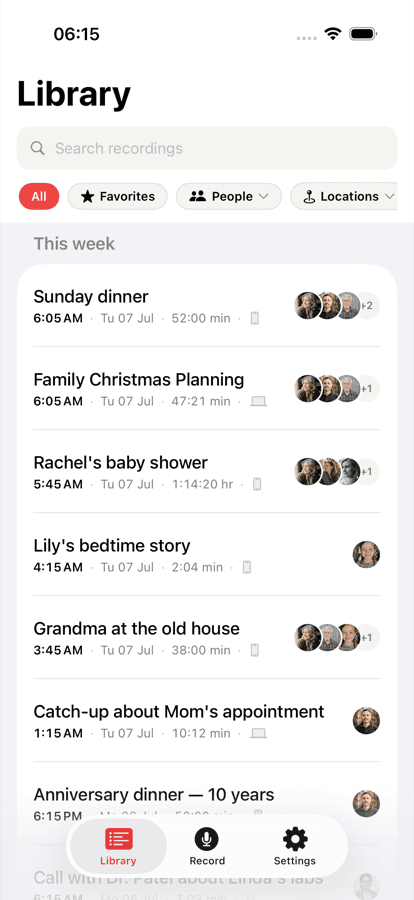
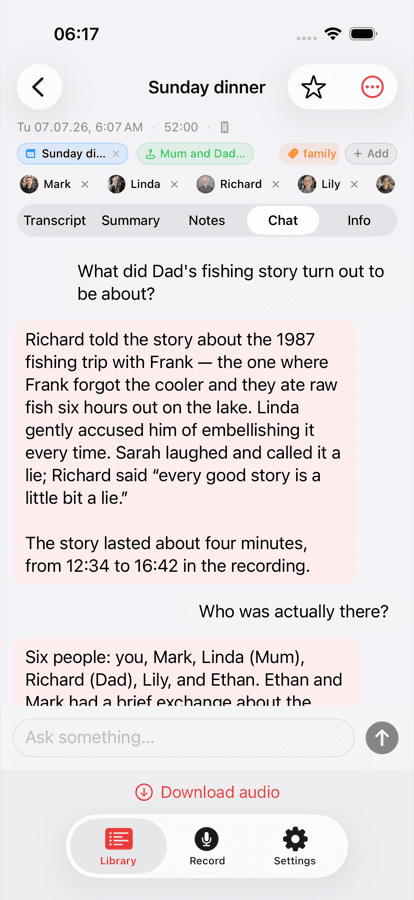
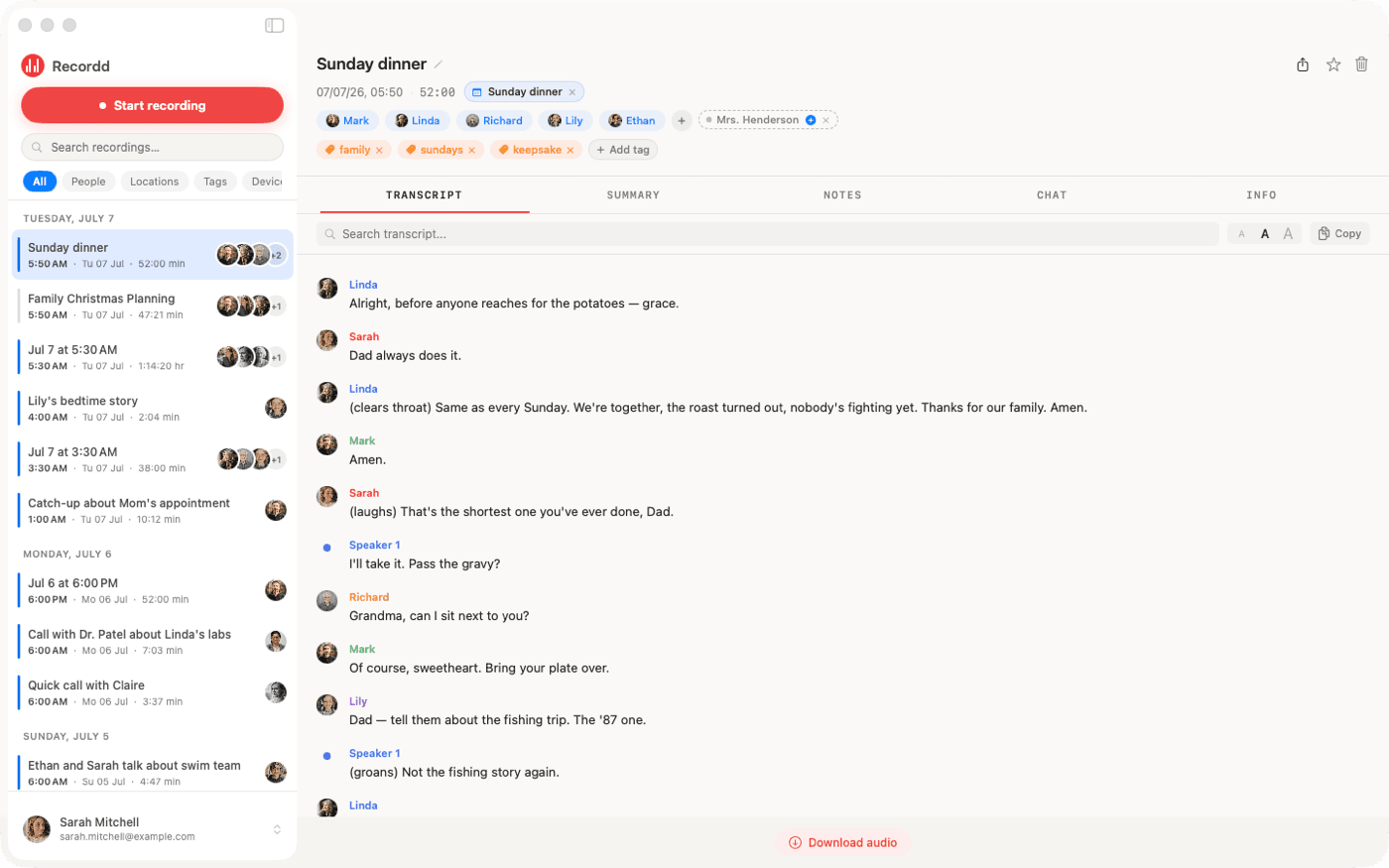
Your library on iPhone, ask-anything chat on any recording, and the full desktop transcript on Mac. Same library, everywhere.
Recordd for patients and caregivers: questions
Before you start.
Can I record my doctor’s appointment?+
Ask your doctor first. Many are happy to be recorded when they know it is to help you remember. In many places you need everyone’s consent to record, so ask before you start.
Who can see my recordings?+
You. Recordings sync to your own account and appear only on your devices. They are encrypted in transit and at rest, never used to train AI, and you can delete any recording or the whole account at any time.
Is Recordd HIPAA compliant?+
No. Recordd is a personal recording app for your own conversations, not a clinical records system. It is not certified under HIPAA or SOC 2.
Can a caregiver who was not in the room read it?+
Yes, if you send it to them. Export the transcript as plain text or Markdown, or copy it, and share it however you like. Recordd does not have shared accounts.
Download the voice recorder app for iPhone and Mac
Get Recordd.
40 minutes free. Every feature unlocked. Takes 30 seconds to set up, and your library compounds from minute one.
40 minutes free, forever · every feature included · try Pro free, cancel anytime